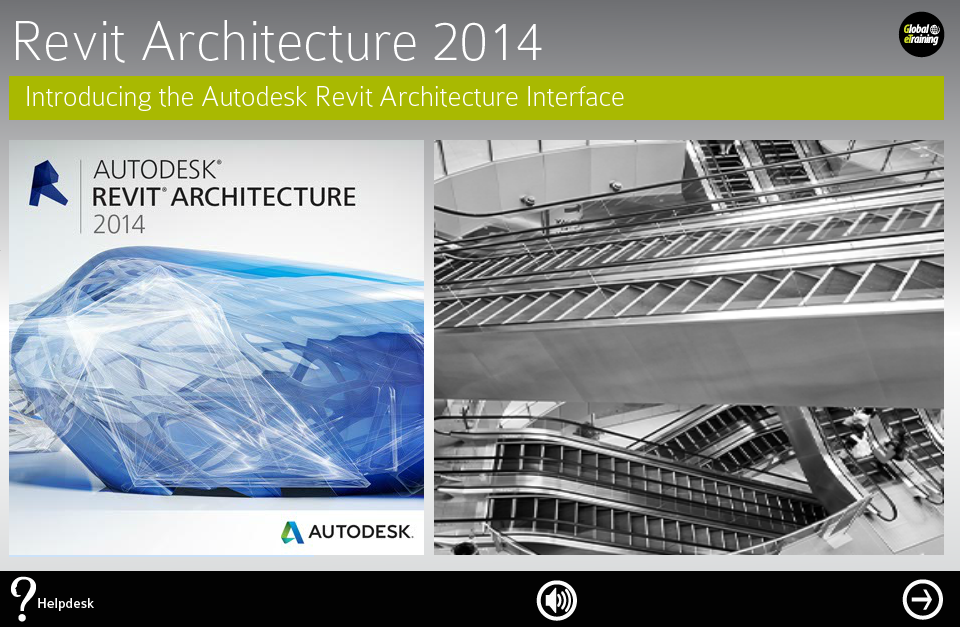
Revit Architecture 2014: The Complete Guide is designed to give you a solid understanding of Revit Architecture 2014 features and capabilities from the basics through to advanced components. Every course is designed to use all learning styles from text, audio, video, interactivity, quizzes and practical Let Me Try examples.
You'll follow a workflow-based approach that mirrors the development of projects in the real world, learning this powerful, sophisticated building information modeling (BIM) software that has transformed the architectural design industry. It is the perfect introduction to the powerful software for architects, designers, and students.
Learn the 2014 Updates: The "+" Symbol shows a 2014 update. Focus on these areas to learn the new 2014 version.
Autodesk Certification Objectives: The "!" Symbol indicates an Autodesk Certification Exam Objective. Focus on these areas to prepare for your certification exam.
Helpdesk Support is available when you have a question- just email support@getinteractive.ca.
User Requirements: You do not need any previous experience with Revit Architecture to take this course; however, it does assume a reasonable level of experience with the Windows operating system on your part. While not absolutely necessary, some experience with other CAD software is helpful.
Recommended Supported Browsers: Internet Explorer 10, Internet Explorer 9, Firefox, Chrome, Maxthon, iOS (iPad 2 and 3), Opera and Safari. We recommend that you use the most current version of these browsers. Other browsers, and some earlier versions of these browsers may be supported - but you may experience some limitations on certain Learning Management System or course functions.